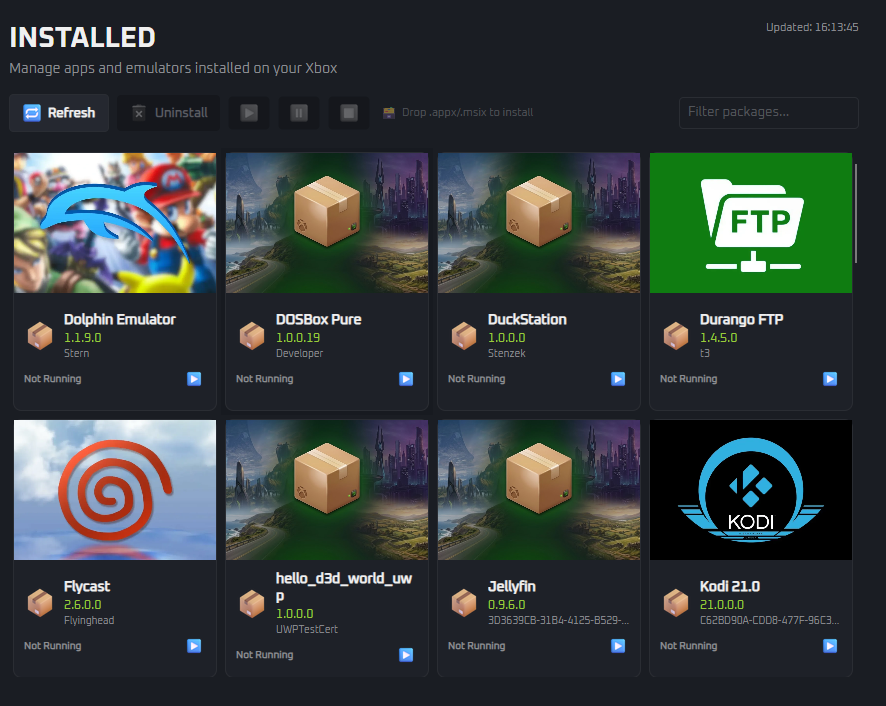
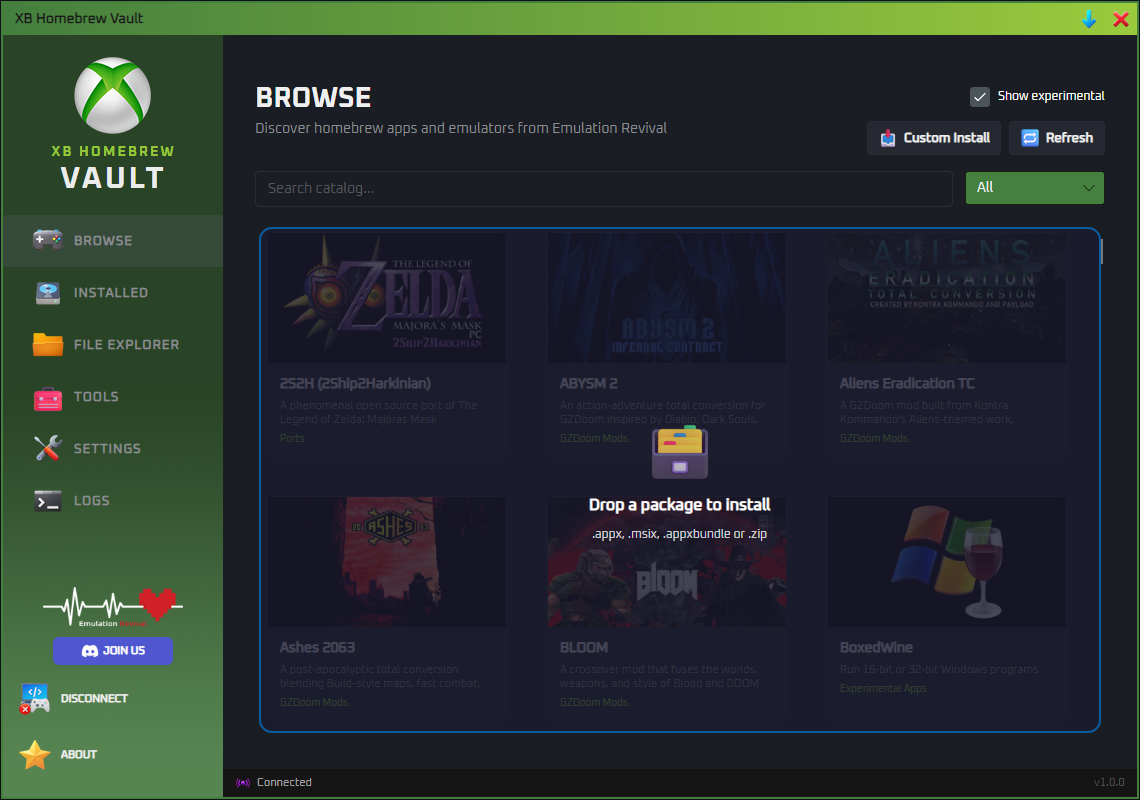
One app. All the tools. No Xbox dev experience required.
🔍
Catalog Browser
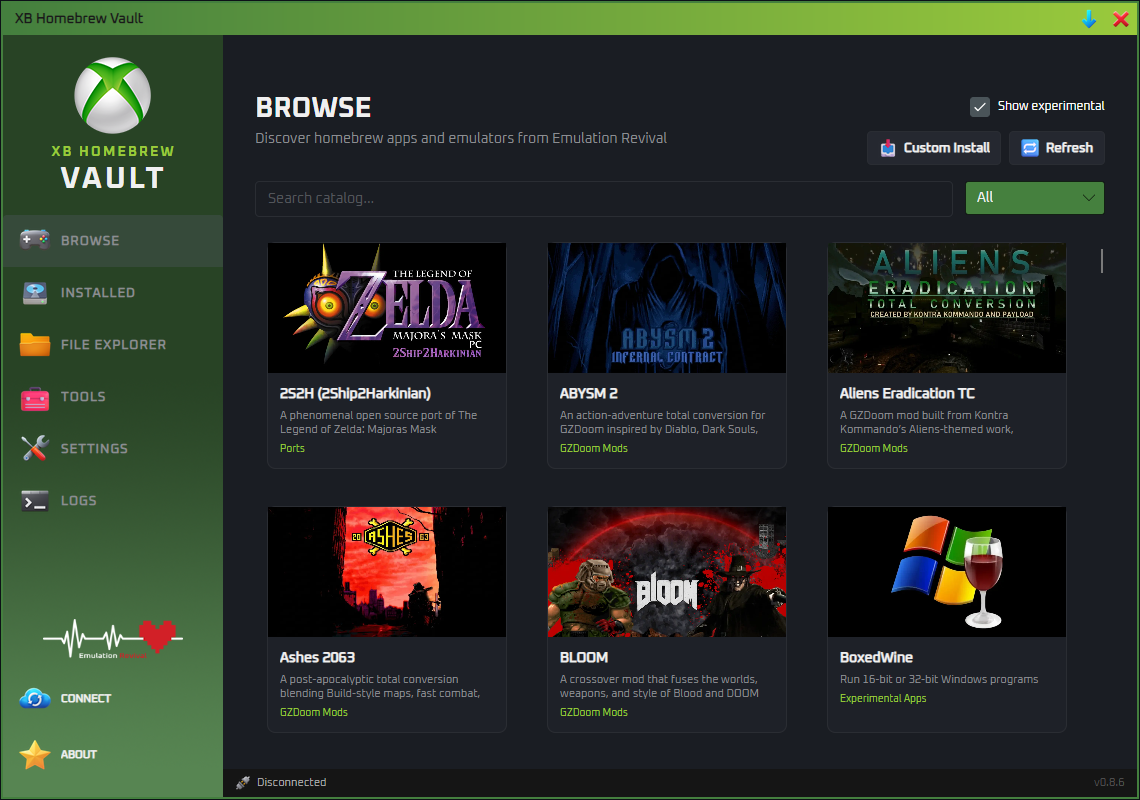
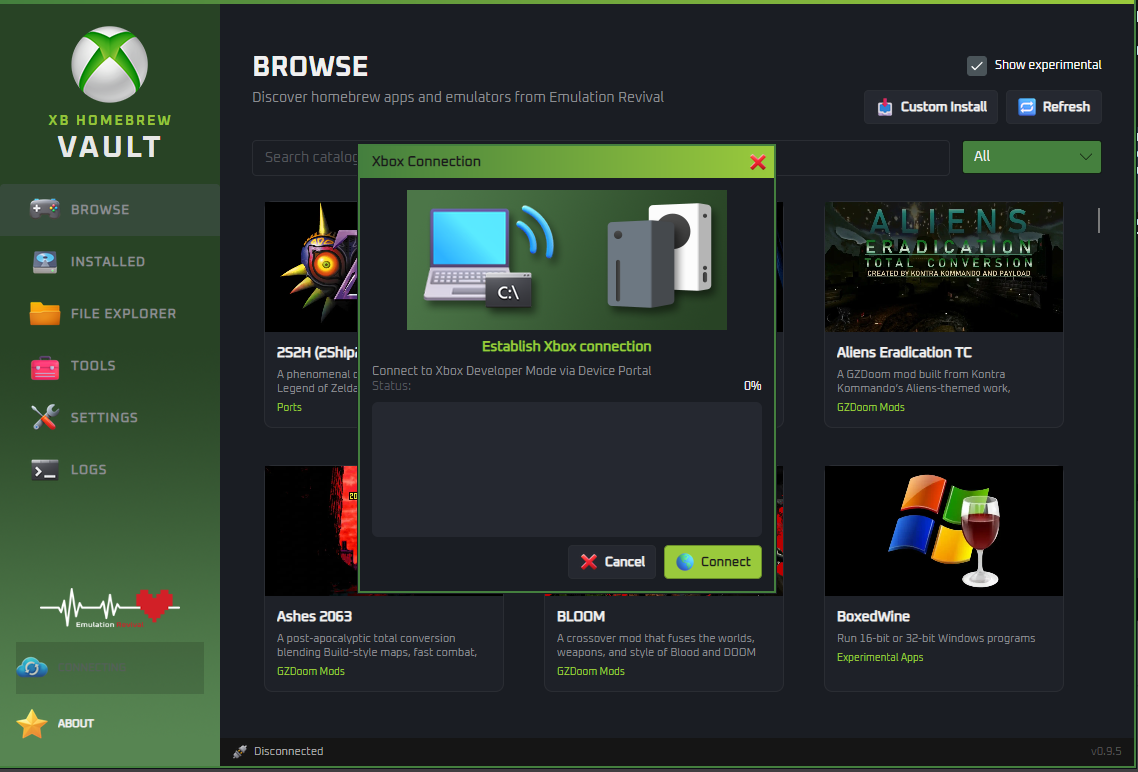
All apps, ports, and games from the Emulation Revival catalog are synced directly into XBVault — browse, search, and install on your Xbox with one click.
📦
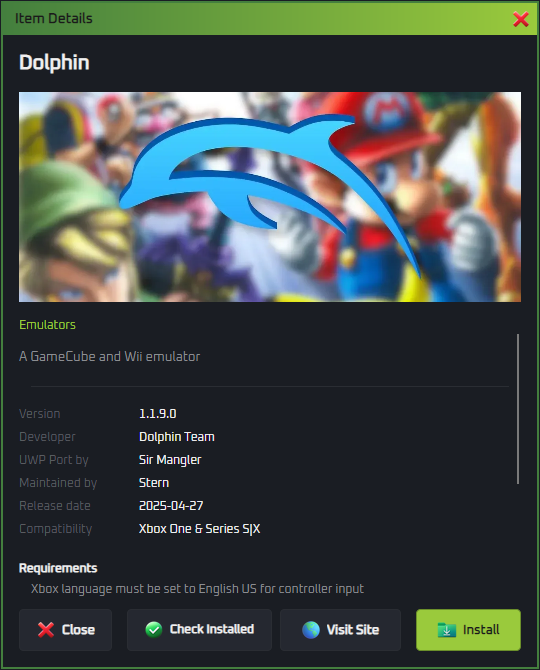
One-Click Install
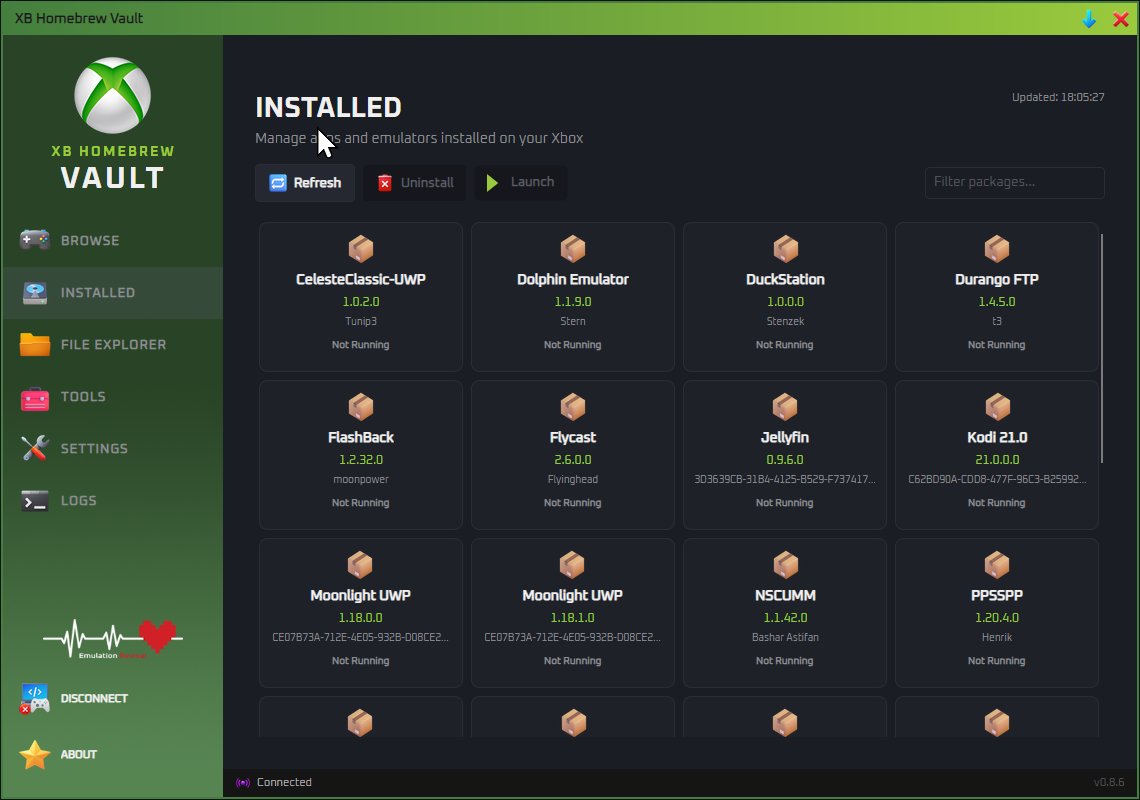
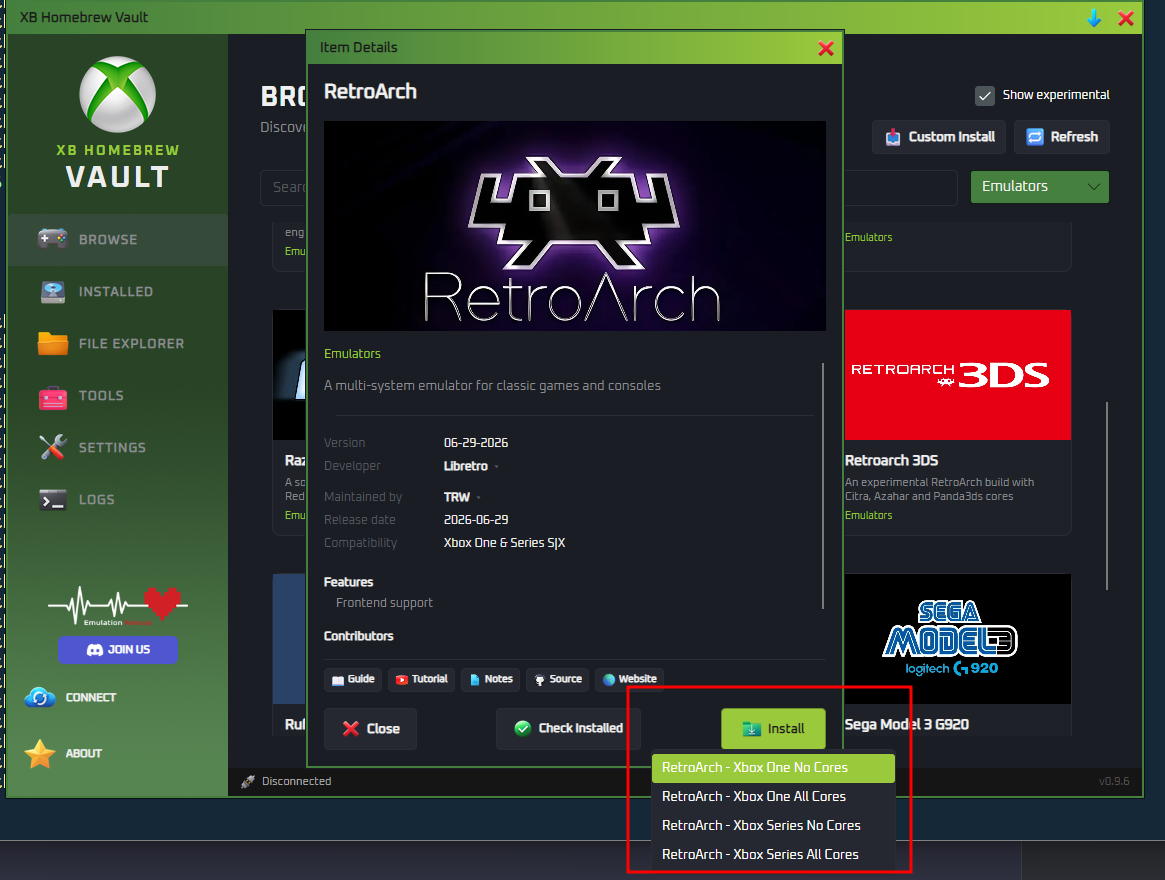
Select any app and hit install. XBVault handles downloading, dependency resolution, and wireless upload to your Xbox automatically.
⬇️
Custom Install Wizard
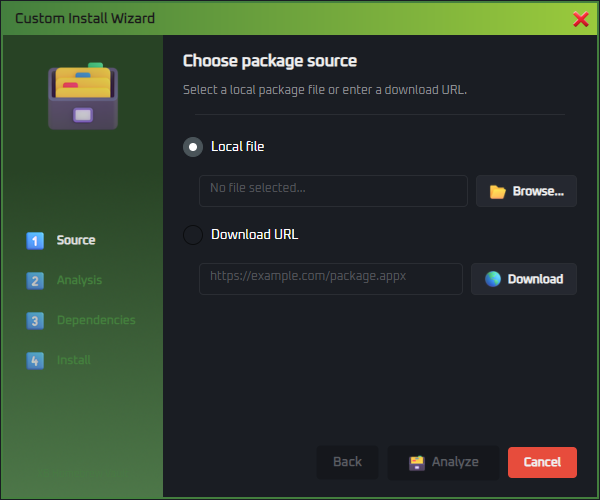
Got your own .appx, .msix, or .zip? The wizard guides you through analysis, dependency check, and install — local files or URLs.
🛠️
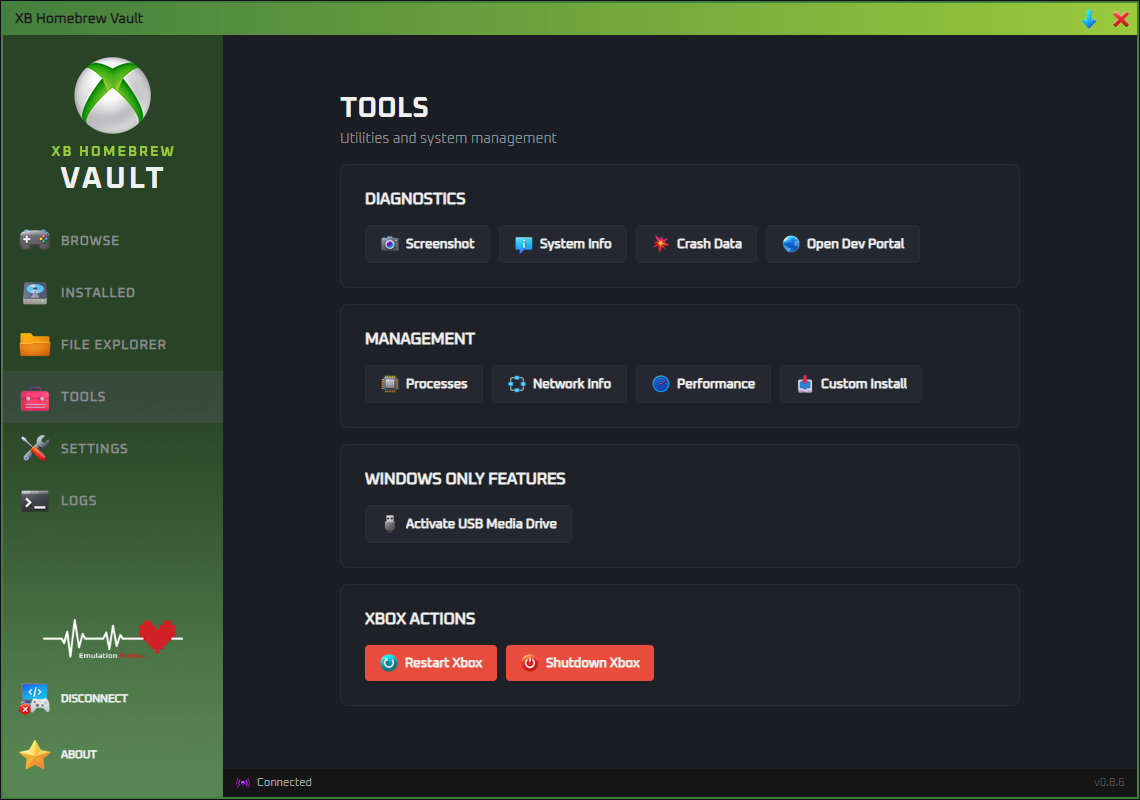
Dev Tools Panel
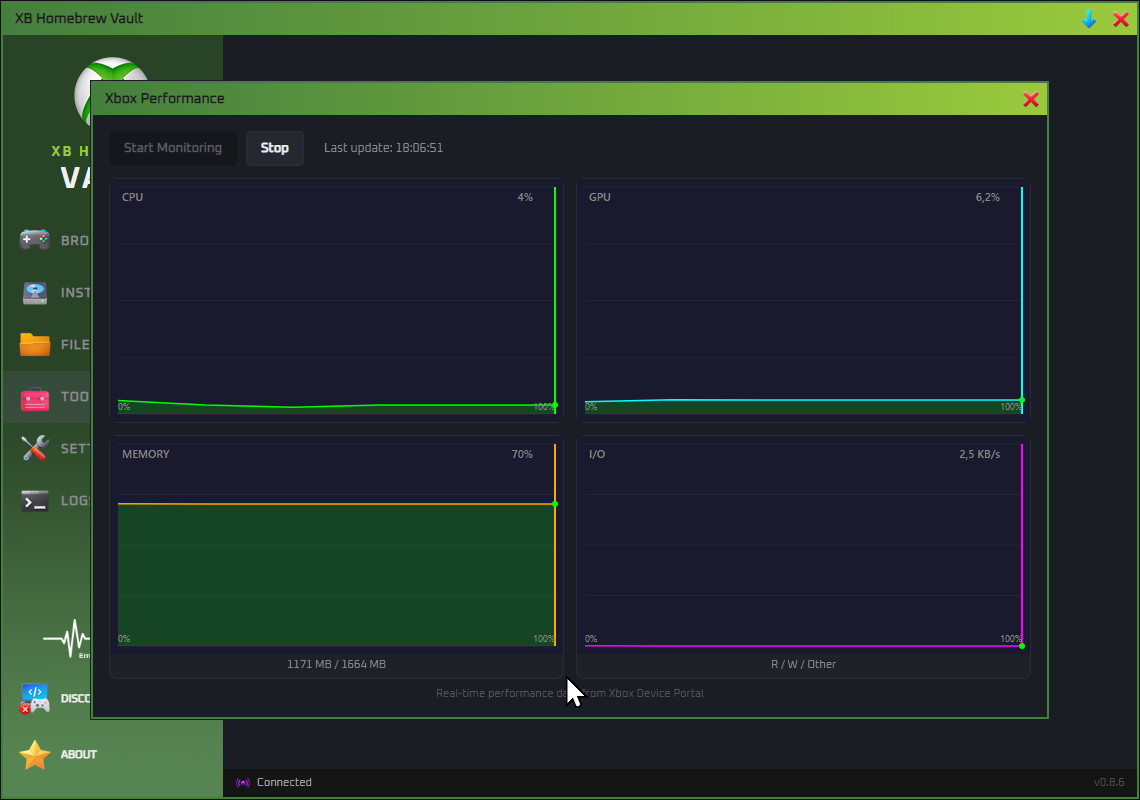
Screenshot capture, system info, process manager, network config, and a real-time CPU/GPU/RAM performance chart — all via the Device Portal API.
💾
USB Permission Wizard
Prepare a USB drive for Xbox Dev Mode automatically — detect drives via WMI, apply NTFS permissions with icacls. No manual commands.
🔐
Secure Credentials
Your Xbox IP and password are stored locally with obfuscated encryption. No cloud, no accounts, no telemetry.